How it works
Three steps. Zero friction.
Create the event
Name it, print the QR signage, put a card on every table.
Guests shoot the night
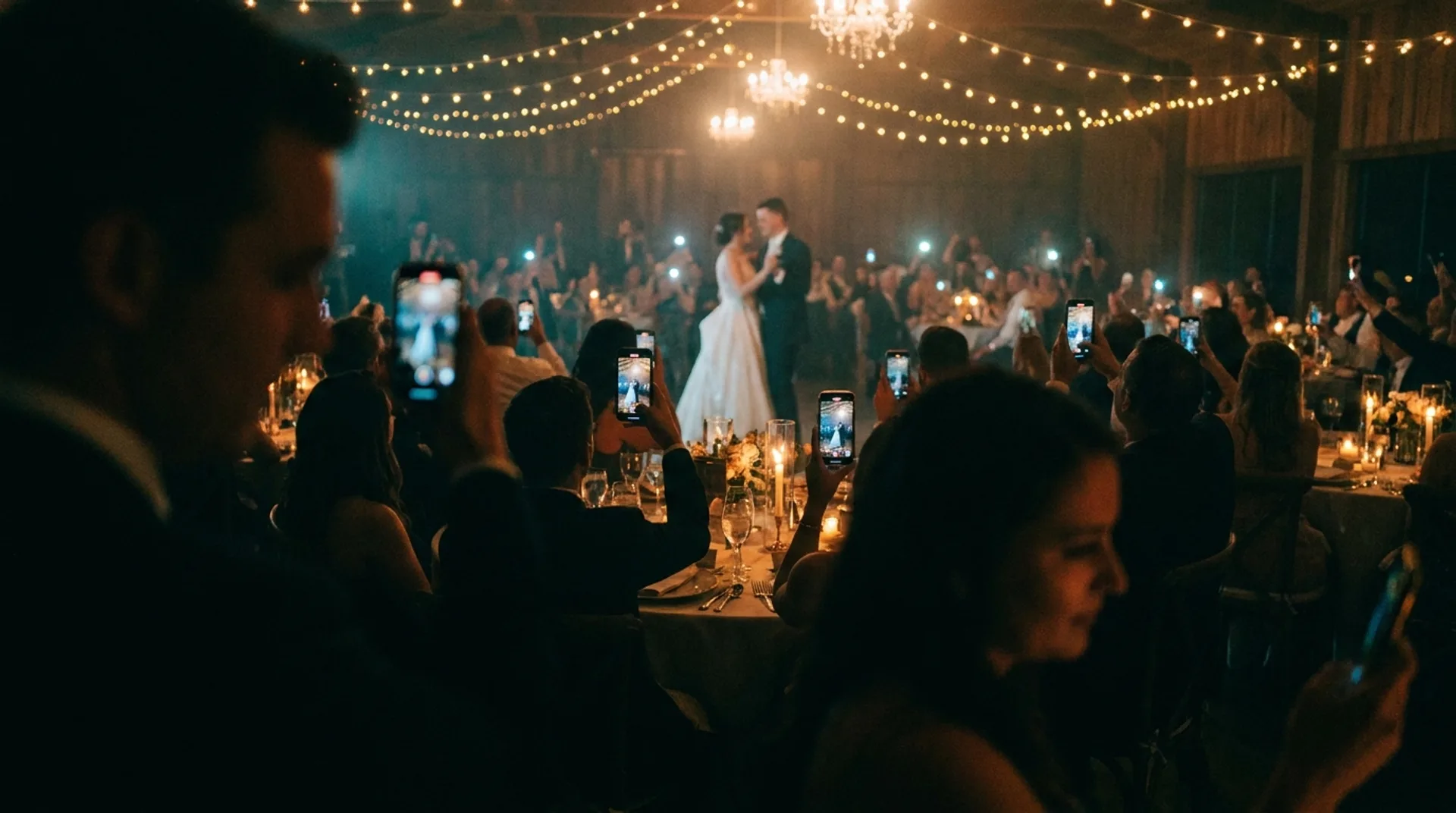
Every phone becomes a camera crew. Photos stream in live.
Deliver the gallery
The couple wakes up to every moment, from every angle, in one place.
Built for the room
Made for photographers.
Loved by guests.
Scan. Shoot. Done.
Guests scan a QR and are capturing in under ten seconds. No app store, no account, no friction.
The Live Wall
Every approved shot lands on the big screen in seconds. New photos take over the room, full-screen.
Survives Bad Signal
Photos queue on the phone and send themselves when coverage returns. Built for venues, paddocks and basements.
You Hold the Keys
Moderation queue, auto-approve toggle, and a private gallery delivered to your clients when the night ends.
Your Brand On It
White-label guest pages and signage. Your studio name in the room, on every phone, all night.
Any Occasion
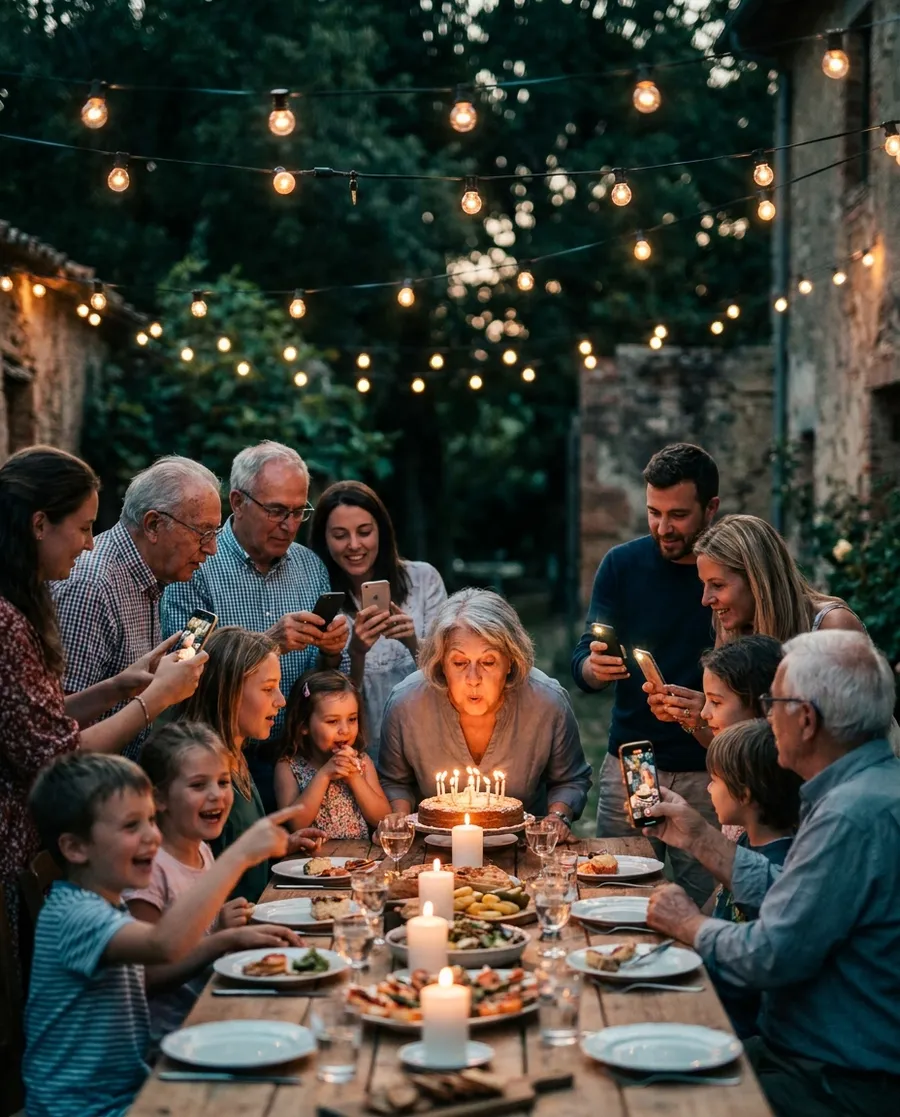
Weddings, birthdays, corporate nights, reunions. One QR per event, unlimited guests.
Can't Be There? Watch Anyway.
Share the link with family overseas or anyone who cannot travel. The same live wall plays on their TV or phone, anywhere in the world, as the day happens.
Not just weddings
Every celebration deserves a camera crew.

Questions
The things people ask first.
Can someone watch from another country?
Yes. The live wall is a web page, so anyone you send the link to can watch photos arrive as the event happens - on a TV, a laptop or a phone, anywhere in the world. It is the same screen that plays in the room, so family who could not travel see the day as it unfolds.
Do guests need to download an app?
No. Guests scan the QR code with their phone camera, type a first name, and start sharing. There is no app and no account to create, unless the organiser chooses to require Google sign-in.
Can we check photos before they appear on the screen?
Yes. Turn on approval and nothing appears until you, or someone you choose, approves it on their phone. For school events approval is always on and cannot be switched off.
What happens if the venue has bad reception?
Photos wait on the guest's phone and send themselves when the signal comes back, so nothing is lost when the wifi drops out mid-speech. But GuestCam does need a connection: venue wifi guests can use, or good mobile reception. Please test both at the venue before you pay - open guestcam.app/demo there and send a photo, once on the wifi and once on mobile data. Some venue wifi blocks uploads or needs a login page. If neither is reliable, GuestCam cannot work 100%, and a refund for that reason is less the PayPal processing fee rather than in full.
Do you use facial recognition?
Only if the host switches it on. A host can let guests find people by face in their album: GuestCam's own server groups faces that look alike, nothing is sent anywhere, no names are attached, and any guest can take their face out of it. It is off unless the host turns it on, and never used on school events.
How long are the photos kept?
Everything is permanently deleted one month after the event closes. Before then you can download the lot as a ZIP or back it up to your own Google Drive.
How much does it cost?
$50 AUD for the whole event: unlimited guests, unlimited photos, invoiced once. School events in Australia and New Zealand - graduations, formals and presentation nights - are currently free. You can also try it free first: ask for a trial code.
Do we need a TV for the photo wall?
Any screen with a web browser works: a smart TV, or a laptop plugged into a projector or screen.
What is the difference between the demo and a free trial?
The demo ("Try it yourself") is a sample wedding everyone shares. Join it this second, take a photo and watch it land on the demo's photo wall - nothing to sign up for. But it is not yours: you cannot change its settings, and what you send is deleted after two hours. A free trial is your own event: your name on it, your own QR code, your own console to approve photos and change settings. It runs for 24 hours with up to 3 guests and 20 photos (no video), so you can test it properly with a couple of friends before paying anything.
Can I try it before I pay?
Yes, two ways. Tap "Try it yourself" to join the demo straight away. Or ask for a free trial code (tap "Rather talk to a person?" here, or email [email protected]) and we will send you one, usually the same day. Book at guestcam.app/book with the code and your trial event is set up on the spot - no card and nothing to pay. Book with the email address you sign in to Google with, so you can open your console.
Can my free trial become my real event?
Yes. When you are ready, book your real event at guestcam.app/book with the same email address you used for the trial. The trial becomes your event rather than starting again: the same QR code and guest link (so anything you have printed still works) and the settings you chose, now with your real dates, unlimited guests and photos, and video back on. The test photos are taken out, so your album starts clean. Book within 7 days of the trial ending to keep it. If you decide not to go ahead, do nothing - the trial closes by itself and is deleted 7 days later.
How quickly do I get my QR code?
Within minutes of paying. As soon as your invoice is paid, your event is set up automatically and you are emailed your guest link and a print page: your QR code on a poster and on table cards, ready to print. With a trial code it is straight away - book with the code and the event is set up on the spot. Your QR code does not change after that, so you can print as early as you like; if a trial becomes your real event, it keeps the same QR code.
See it in action
Nineteen seconds each.
The same night from two rooms. Tap either one for sound.
Your studio. Every event. One platform.
GuestCam is sold to photographers and planners as a white-label service — you resell it to your clients, GuestCam stays invisible. Currently onboarding pilot studios.