For parties & events
Birthdays, 21sts, reunions — every guest's photos, one place.
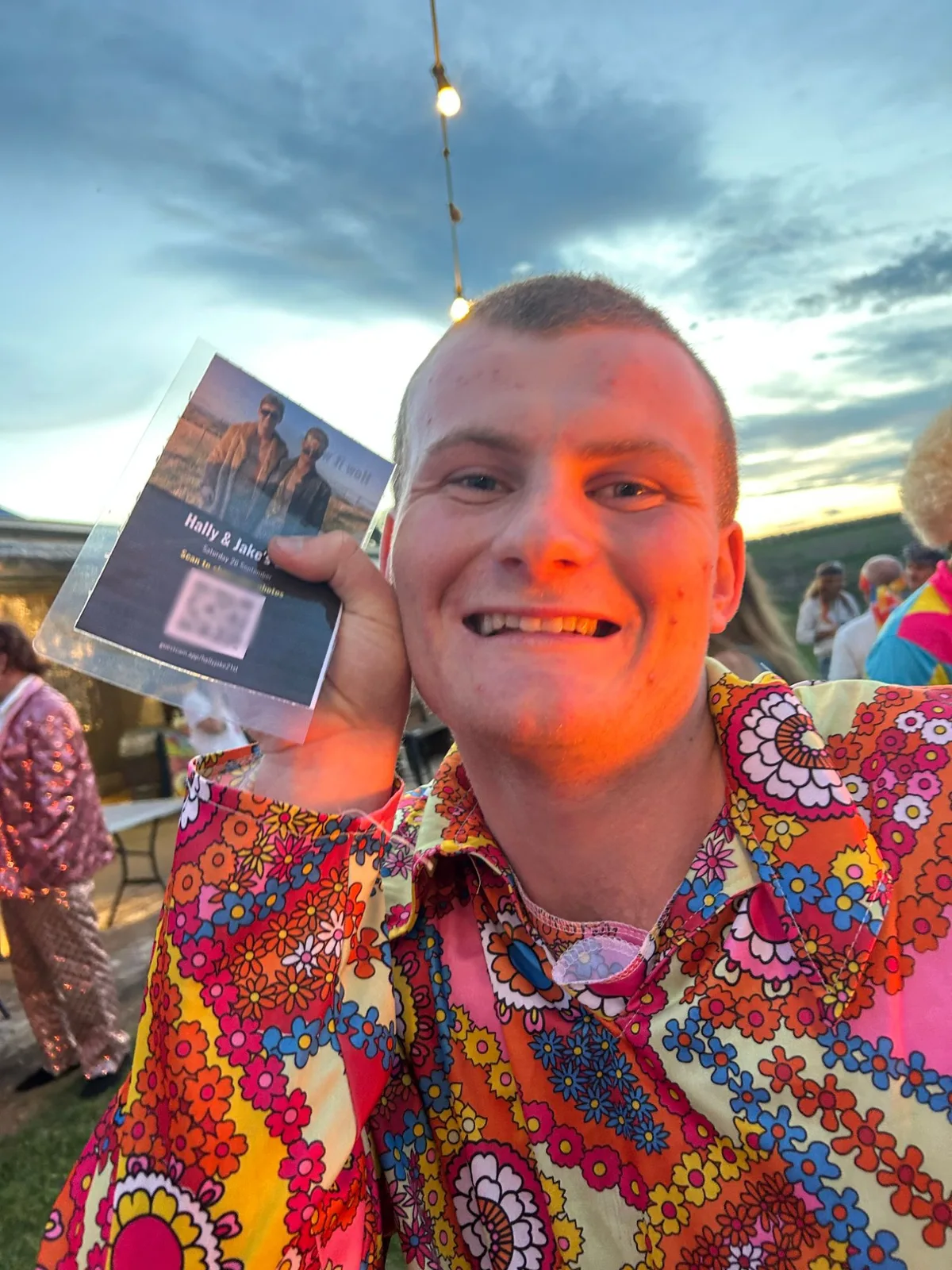
One QR code turns every phone in the room into a camera. Guests share photos as the night happens, they play on a screen for everyone to see, and you keep the lot. No app to download, no chasing people for their photos afterwards.
How it works
Create the event
Name it, set the times, and print the QR code.
Guests scan and share
Photos straight from their phone camera. Nothing to install.
Watch it and keep it
A live photo wall on the night, and every photo in one gallery after.
Any occasion
Birthdays, 21sts, anniversaries, reunions, work parties and awards nights.
No app, no accounts
Guests scan and start sharing in seconds.
A live photo wall
Photos appear on a TV or projector during the event, set to music.
You stay in control
Approve photos before they appear, or let them go straight up.
Handles bad signal
Photos queue on the phone and send when coverage returns.
Keep everything
One gallery, a ZIP download and a Google Drive backup.
Questions organisers ask
Do guests need an app?
No. They scan the QR code with their phone camera.
Do I need a TV for the photo wall?
Any screen with a web browser works: a smart TV, or a laptop connected to a projector or TV.
Can I stop unsuitable photos appearing?
Yes. Turn on approval and nothing appears until you, or someone you choose, approves it.
Can guests share videos?
Not yet: video recording is coming in a future release. For now GuestCam is photos only.
How do I get the photos after the event?
They are all in one gallery you can share, download as a ZIP, or back up to Google Drive.