For 21sts
Every photo from the 21st — not just the ones that make it to the group chat.
At a 21st the best photos are spread across forty phones, and most never get sent. Put one QR code on the tables and every guest's photos land in one album as the night happens. They play on a screen for the room, and the birthday crew has the lot the next morning.
How it works
Make the event
Name it, set the start and finish times, and print the QR code for the tables.
Guests scan and shoot
They use their normal phone camera. Nothing to download, no account to make.
Watch it, then keep it
Photos play on a screen during the party and stay in one album afterwards.
Grandparents can do it
Point the camera at the code and start taking photos. No app, no password.
A live photo wall
Any TV, or a laptop on a projector, shows the photos as they come in, set to music.
You choose what goes up
Approve each photo before it appears on the screen, or let them go straight up.
Every photo
Speeches, the cake, the dance floor: every guest's photos in one place. Video is coming in a future release.
Patchy signal is fine
Photos wait on the guest’s phone and send themselves when coverage comes back.
Keep the lot
One album, a ZIP download of everything, and a backup to your own Google Drive.
Questions organisers ask
Do guests need to download an app?
No. They scan the QR code with their phone camera and start sharing straight away.
How did the 21st in Orange go?
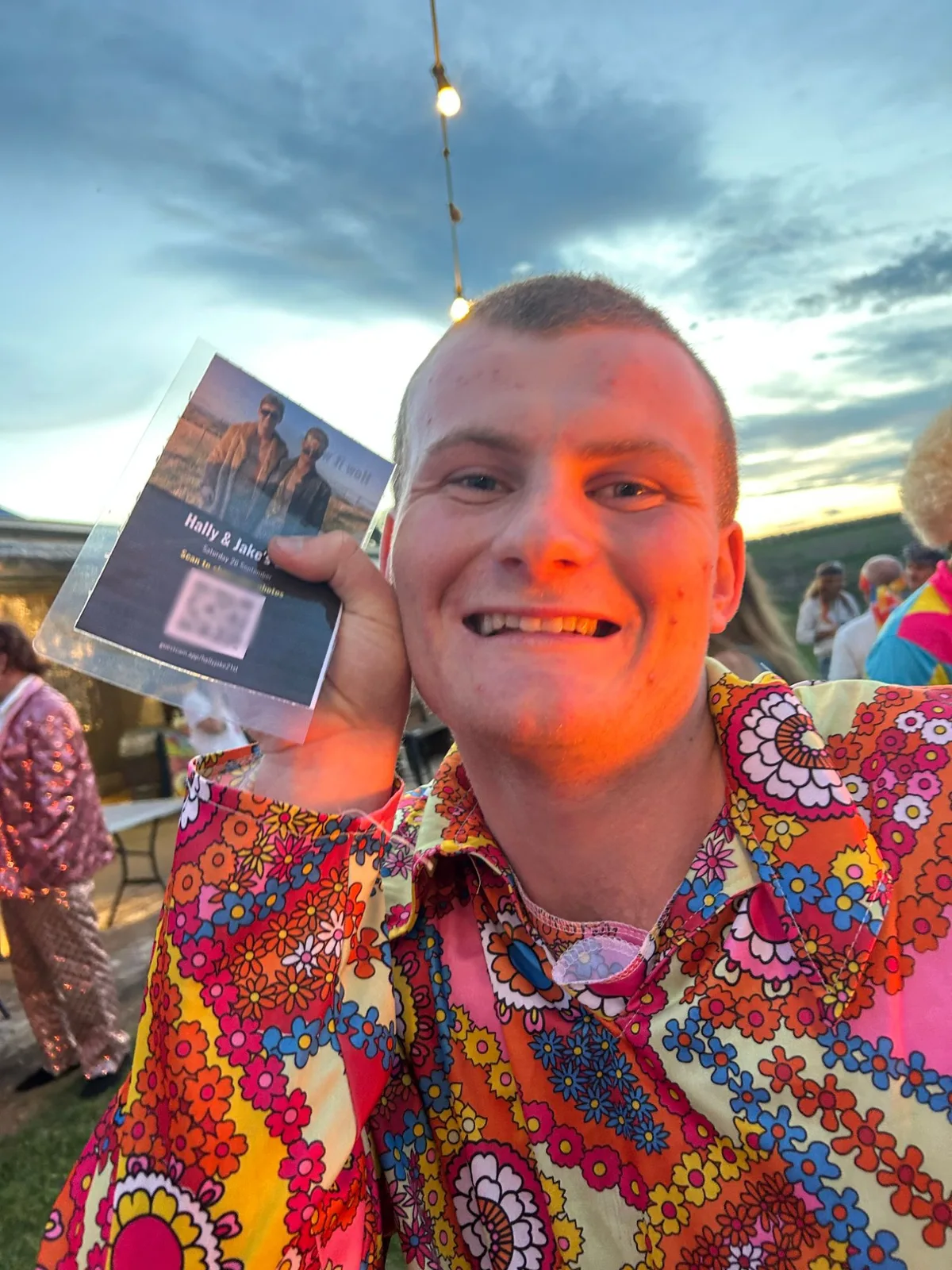
33 guests shared 203 photos during the night. The hosts also printed the QR code onto lanyards, and the code that walked around the room got more people scanning than the ones on the tables.
Can we stop embarrassing photos going on the screen?
Yes. Turn on approval and nothing appears on the screen until you, or someone you pick, approves it from their phone.
What if the venue has no TV?
The photo wall runs in a web browser, so a laptop plugged into a projector or any screen works.
Can a guest take a photo back?
Yes. Guests can delete their own photos, and the organiser can hide or delete any photo.
How long are the photos kept?
Everything is deleted one month after the event closes, so download the ZIP or back it up to Google Drive before then.